maybe a reel? maybe an image?
Creative Production ♥ AlmaLinux
Creative production demands an OS that won't let you down mid-render, mid-shoot, or mid-deadline. AlmaLinux is the foundation trusted by VFX studios, animation houses, broadcasters, and game developers around the world.
Trusted by leading studios & production houses
Studio Logo
Studio Logo
Studio Logo
Studio Logo
Studio Logo
Studio Logo
Studio Logo
Built for the demands of production
AlmaLinux delivers what creative pipelines require: long-term stability, enterprise-grade reliability, and a community that moves at production speed.
10-year support lifecycle
Ship a project today knowing AlmaLinux 9 is supported through 2032. No forced migrations mid-production.
Drop-in RHEL compatibility
Binary-compatible with RHEL, so every application certified for RHEL runs on AlmaLinux without requalification.
Community-owned, vendor-free
No licensing fees. No corporate lock-in. A foundation governed by its members — including people from the creative industry.
Multi-architecture
x86_64, aarch64, ppc64le, and s390x. Run your render farm on the hardware that makes sense for your pipeline.
Cloud & hybrid pipelines
Official images on AWS, Azure, GCP, and OpenNebula. Burst renders to the cloud without changing your base OS.
Security & compliance
FIPS 140-3 support, OVAL feeds, and regular CVE patches. Meet studio and facility security requirements out of the box.
Works with the tools you rely on
The software your pipeline depends on runs on AlmaLinux.
Houdini
Nuke
Maya
Blender
DaVinci Resolve
Katana
Mari
RenderMan
Arnold
V-Ray
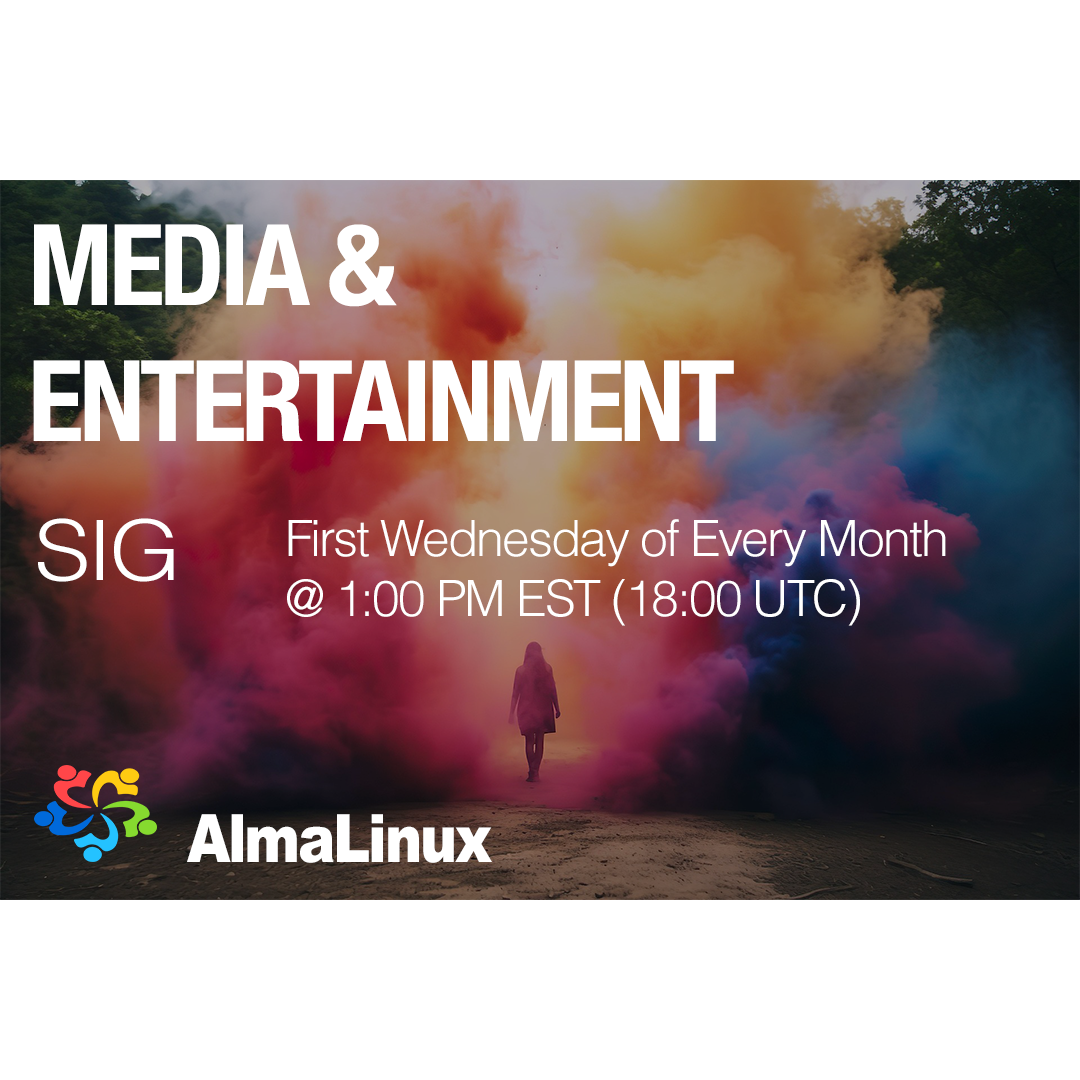
The Media & Entertainment SIG
The AlmaLinux Media & Entertainment Special Interest Group (M&E SIG) is a community of VFX artists, pipeline TDs, facility engineers, and open source contributors working together to make AlmaLinux the best platform for creative production.
- VFX Reference Platform tracking
- Pipeline-tested package builds
- Studio deployment guides
- Direct collaboration with software vendors
How to get started
Three steps to a production-ready AlmaLinux workstation or render node.
1
Download AlmaLinux
Grab the latest ISO for your architecture. Both workstation and minimal server images are available.
Stiahnuť2
Follow the M&E SIG setup guide
The M&E SIG wiki covers GPU drivers, VFX Reference Platform libraries, and software installation for common DCC tools.
Read the wiki3
Join the community
Chat with M&E users and contributors in the AlmaLinux community forums and the M&E SIG chat channel.
Join the chat